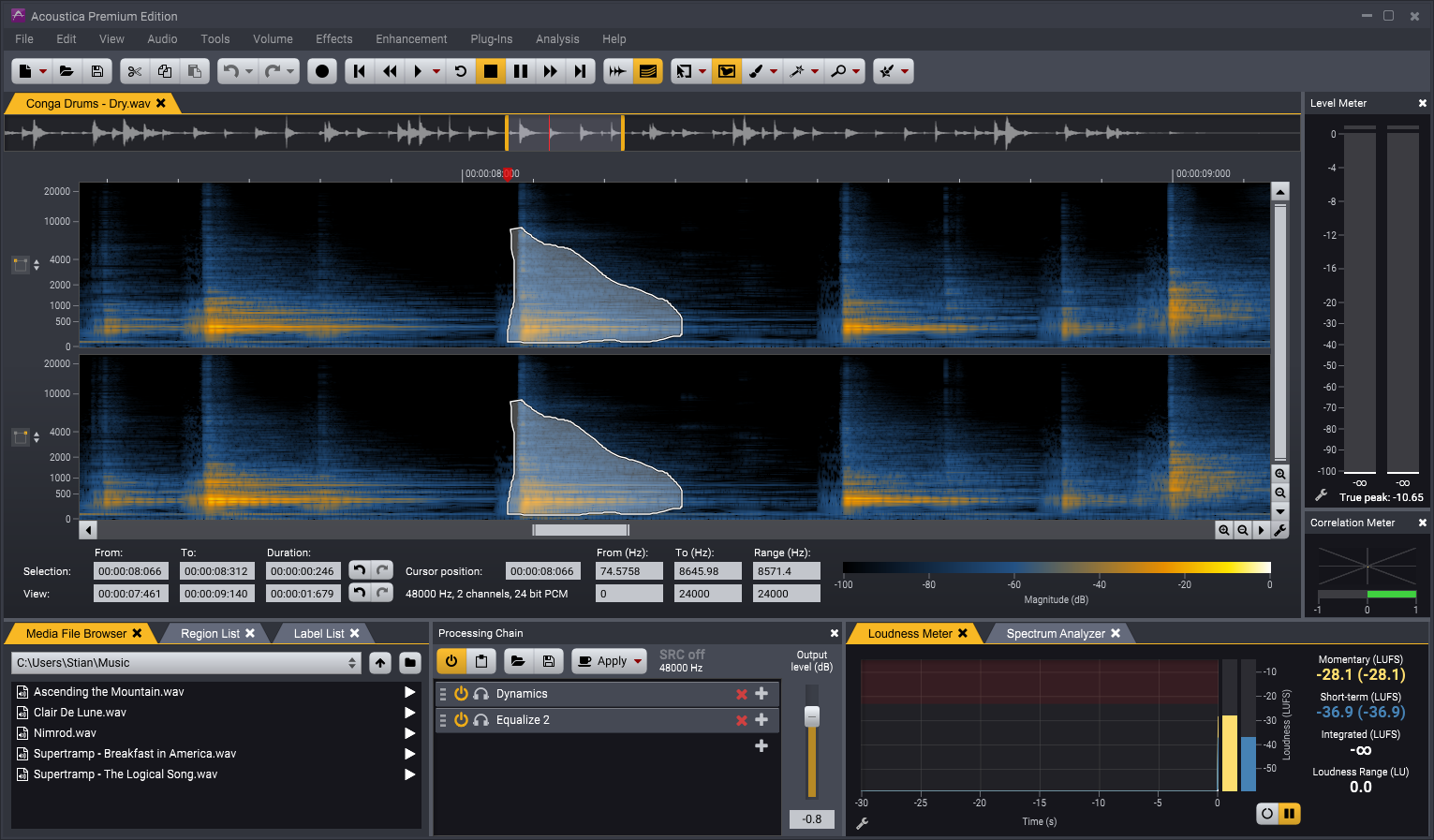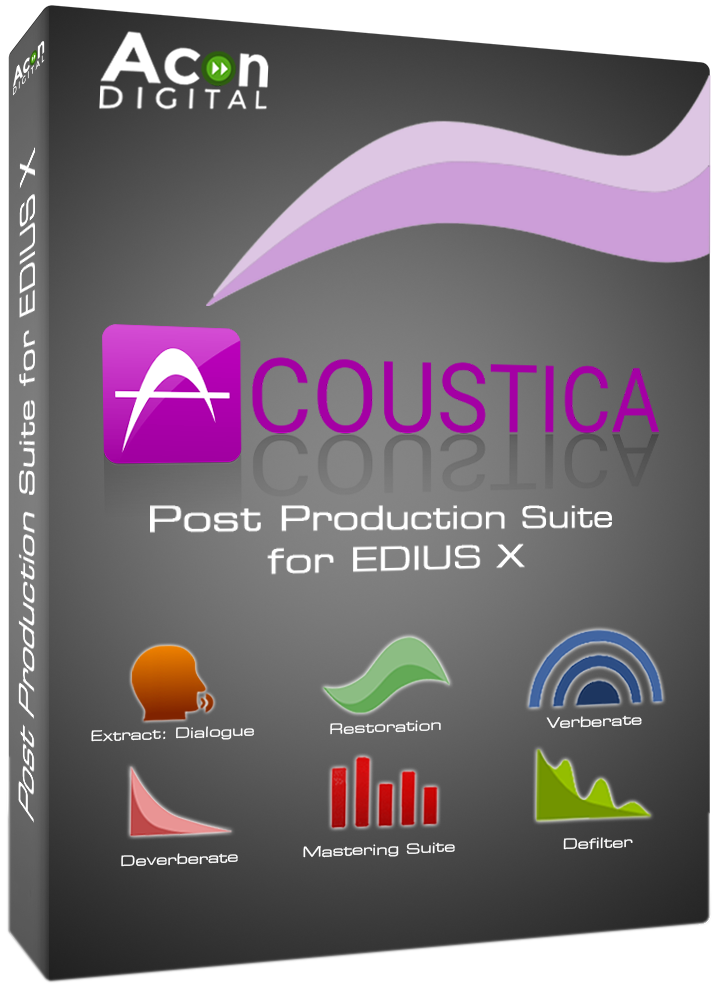
EDIUS 11 includes the audio filter plug-in pack Acon Digital EE (EDIUS Editions) and the audio editing program Acoustica EDIUS Edition 7.5. EDIUS 11 users can upgrade to the full version "Acon Acoustica Post Production Suite for EDIUS 11" at a very reasonable price. This and other plug-in offers can be found at your local EDIUS reseller or directly in the online shop.
The Acon Acoustica Post Production Suite for EDIUS 11 includes the full version of the Audio Editor
as well as the following Acon Digital VST plug-ins for EDIUS 11, Acoustica Premium and other hosts
-
Restoration Suite 2 (incl. DeNoise 2, DeHum 2, DeClick 2, DeClip 2)
-
Mastering Suite (incl. Dynamics, Multiband Dynamics, Limit, Equalizer 2, Dither)
-
DeVerberate 3
-
Verberate 2
-
DeFilter
- and newest, AI-based Dialogue Plug-ins for voice recordings:
Extract:Dialogue, Dewind:Dialogue, DeRustle:Dialogue, DeBuzz:Dialogue
Below you find more information about all the tools included in the Acon Digital Acoustica Post Production Suite for EDIUS 11:
Acon Digital Acoustica Premium
Acoustica is the perfect solution for audio editing, mastering and restoration work. The Acon Digital Acoustica Post Production Suite includes the Premium Edition of the Audio Editor. Compared to the Standard Edition (included in EDIUS 11), the Premium Edition offers even more functions, such as
- 10 instead of 2 channels (important for multi-channel audio and 5.1 or 7.1 surround mixes)
- Protocol function
- Spectrogram view in the clip editor
- Retouching tool
- Improved denoiser, equalizer and reverb generator
- Advanced AI tools such as DeBird for removing birdsong
- and more...
Restoration Suite 2
When shooting a video sequence you cannot always avoid recording some noise. Sometimes you might find out only in the editing suite that there are some disturbing audio signals in your footage. To fix this in the postproduction is usually very time consuming and often does not lead to the hoped for results. With ACON Digital Restauration Suite for EDIUS it is possible to reduce different kind of noise in less time and good quality. Great efforts have been put into preserving as much of the
original signal and it’s character as possible during the noise reduction process.
The ACON Digital Restauration Suite 2 for EDIUS consists of four audio restoration plug-ins that can be combined individually:
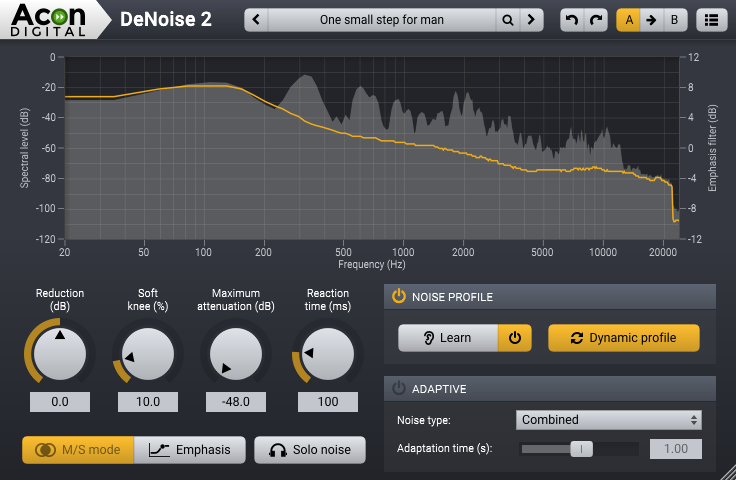
DeNoise2 is designed to reduce stationary noise such as broadband noise, hiss, wind noise, buzz and camera noise. You can freeze the noise profile anytime in order to perform the actual noise reduction. The noise can be reduced automatically in the adaptive mode or after measuring the characteristics of the noise in the noise profile mode. Dynamic noise profiles capture the dynamic properties of the noise so that noise that fluctuates over time, such as wind noise, can be effectively reduced.
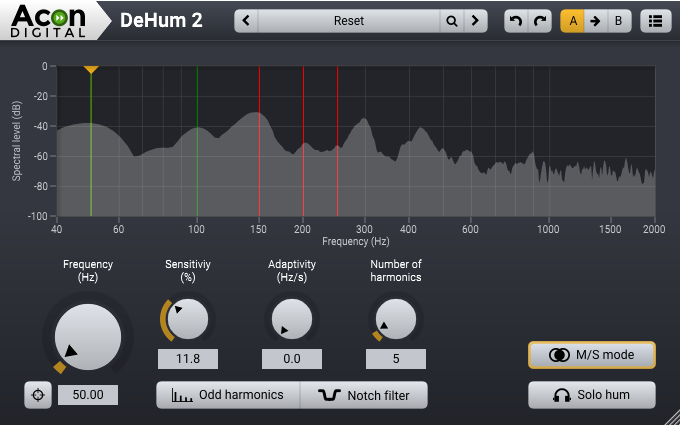
DeHum2 targets hum and buzz typically introduced by poorly grounded electrical equipment, but also other tonal noise sources like electrical motor noise. Using this function parameters can be set precisely.
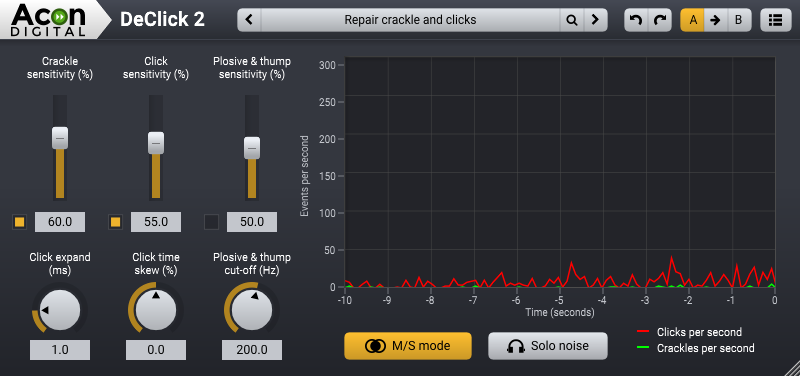
DeClick2 is designed to remove impulsive noise such as clicks and crackle. These are frequently encountered on LP and 78 RPM records, but also occur in digital recordings due to drop-outs or distorted data packets. Due to their metal sound these distortions can be very annoying. DeClick 2’s thump reduction works also effectively on vocal recordings with unwanted plosives.
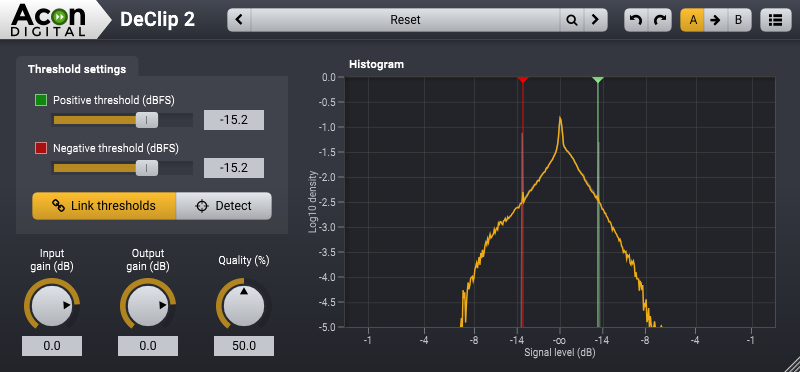
DeClip2 restores audio recordings distorted by analog or digital clipping. Experts recommend operating a camera manually instead of relying on automatic functions.
This avoids disturbances regarding the volume, which occur when the automatic recording level control tries to set the level of an air condition in the background to the same level of the spoken words of an interviewee. But when setting the recording level manually clipping can occur. This happens during recording when the recording level is too high and the highest peaks cannot be correctly recorded. DeClip substitutes such distorted peaks with an estimation of the signal curve.
DeClip2 restores audio recordings distorted by analog or digital clipping with an improved algorithm. This also distinguishes the ACON Digital Restoration Suite for EDIUS from other solutions that do not contain such a powerful tool.
All plug-ins in the Restauration Suite 2 support surround and immersive audio formats up to 7.1.6 channels.
Here you find more information and examples: https://www.edius.net/plugin_restorationsuite.html
Mastering Suite
Acon Digital Mastering Suite consists of five plug-ins for audio mastering that were designed for ultimate signal transparency:
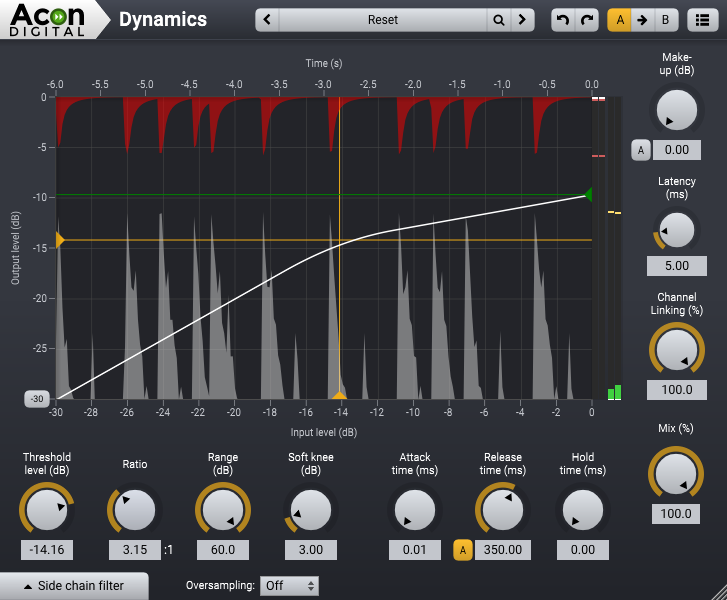
Dynamics is a combined compressor, expander or gate. The look-ahead can be set anywhere from 0 to 30 milliseconds and the intelligent algorithm ensures a band-limited gain signal which reduces potential distortion to a minimum even with minimal attack and release times. You can use up to 4 times oversampling to further reduce distortion. The side chain signal can be either internal or external and there’s a full blown side chain equalizer integrated with low cut, low shelf, peak, high shelf and high cut filters. The complexity of algorithms is not reflected in the intuitive user interface which provides graphical visualizations of all aspects of the processing. With the introduction of Mastering Suite 1.1, Dynamics now offers a new auto-release mode that dynamically changes the release time depending on the audio material. A new Range control makes it possible to limit the maximum gain reduction during dynamic processing. Parallel compression is easily achieved using the new Mix knob that controls the mix of processed and unprocessed audio.
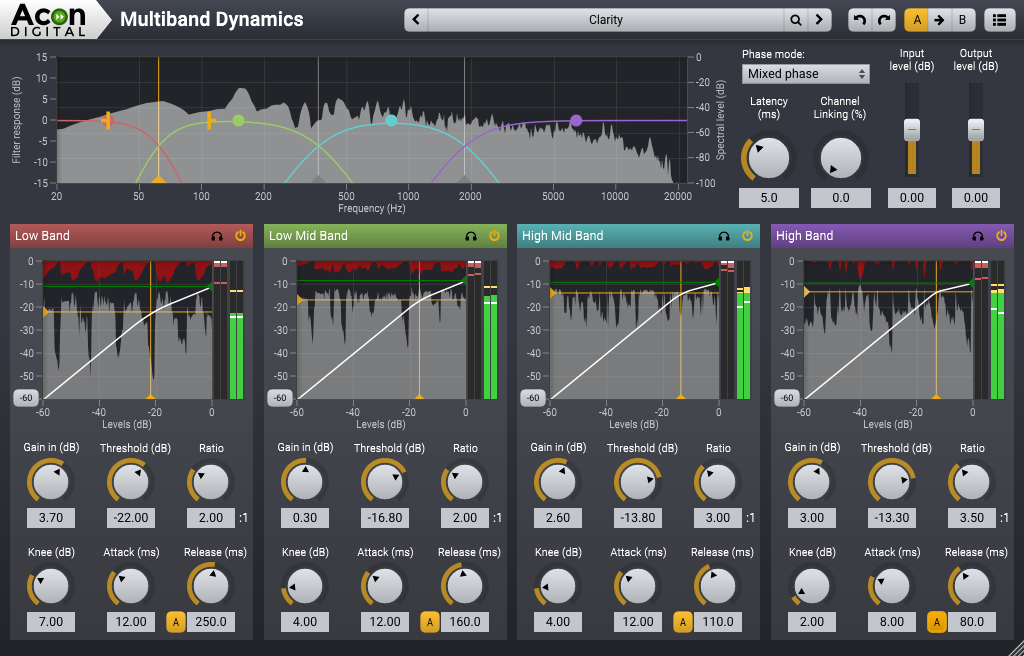
Multiband Dynamics is the multiband extension of Dynamics which allows dynamic processing in up to four separate bands. You can freely set the cross-over frequencies and even the filter slopes can be set freely in the range 6 and 48 dB per octave. Multiband Dynamics operates in linear phase mode to avoid phase issues between the processed bands. Version 1.1 introduces mixed phase filtering which reduces pre-ringing — a well-known problem with linear phase filtering. Pre-ringing smears sharp transients and thus degrades the audio quality. The new Channel Linking parameter controls how independently channels are processed.
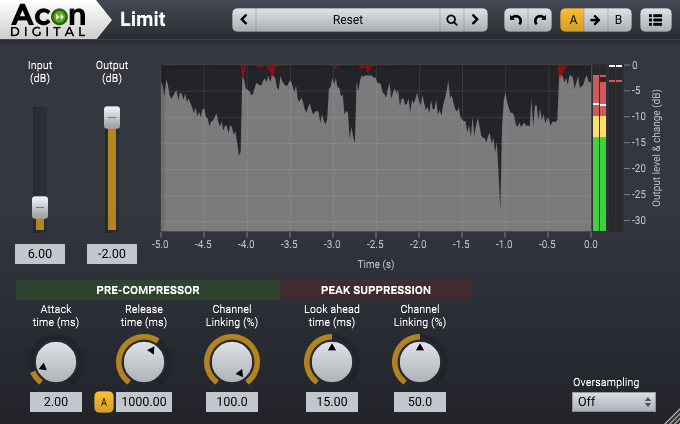
Limit is a transparent limiter with intelligent look-ahead in the range 0 to 30 milliseconds that reduces distortion to a minimum. The limiting is performed in a twostep process with a pre-compressor follower by the actual peak limiting algorithm. You can use up to 4 times oversampling for true peak limiting and to further reduce distortion. With version 1.1, the pre-compressor has a new auto-release mode that adapts the release time to the audio material.
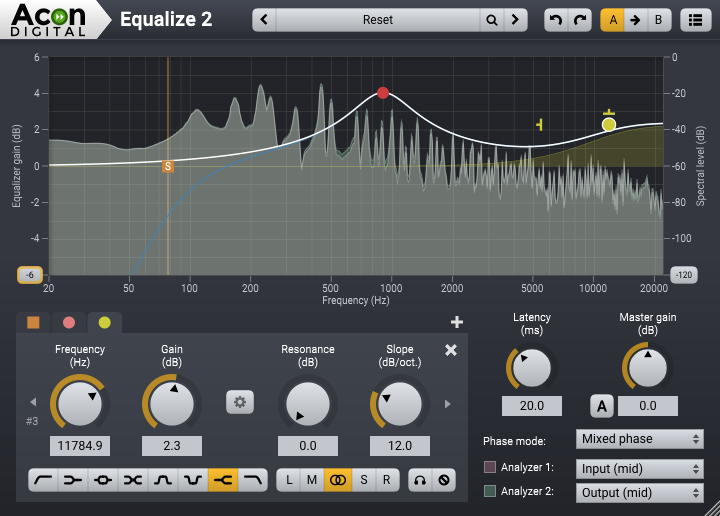
Equalize is a parametric equalizer. Unlike other equalizers, you can freely adjust not only center frequency, gain and bandwidths, but also the filter slope for each band. The filter slope can be set anywhere from 3 dB to ultra-sharp 120 dB per octave. You can operate Equalize as a zero latency plug-in when using the minimum phase mode, choose to preserve the phase relationships in the linear phase mode or use the unique mixed phase mode. The mixed phase mode allows you to set the latency freely in the range 5 to 120 milliseconds while preserving the phase relationships as far as possible. That gives a unique control over potential pre-ringing artifacts which is a common problem with linear phase filtering.
Dither is a dithering plug-in with flexible perceptual noise shaping. You can adjust the maximum gain and the filter length of the frequency response of the noise shaping filter is visualized graphically.
DeVerberate 3
The balance between direct sound and reverberation is essential for the acoustic quality of audio recordings. DeVerberate is a reverb reduction plug-in that can attenuate or boost the reverberation that is already present in recorded material. The new version DeVerberate 3 includes an entirely new algorithm based on deep learning for fully automatic reverb reduction of recorded dialogue. By training a neural network on thousands of high-quality voice recordings and a wide variety of acoustical surroundings, the artificial intelligence can automatically separate dialogue from reverb.
The reverb reduction algorithm from version 2 is included for music and other audio sources. Both algorithms split the incoming audio into an estimation of the direct sound and the reverberated sound which can then be recombined freely. Additionally, a unique Early Reflections Filter that works in conjunction with the reverb suppression algorithms is included. The Early Reflections Filter uses sophisticated statistical methods to estimate the so called impulse response of the early reflections, which is then used to cancel out the effect of the early reflections.
Use Cases
- Attenuate reverberation in existing recordings
- Change the perceived distance in a mix by changing the balance between the direct sound and the reverberation
- Improve dialog and location sound
- Forensic specialists can improve speech intelligibility
- Boost the natural reverberation in existing recordings
Features
- Fully automatic dialogue reverb reduction based on deep learning
- Manual mode for music and other signal types with adjustments of the original reverberation’s level and decay times
- Separate adjustments of the direct sound and the reverberation levels
- Early reflections filter
- Frequency spectrum representation of the following signals:
- Input signal
- Output signal
- Estimated reverberation
- Frequency emphasis filter for the the reduction level
- High and low shelving filters with variable slopes (-3 to -96 dB/ octave)
- High and low peak filters with adjustable bandwidth (0.1 to 3.0 octaves)
- Graphical representation of frequency response
- Editing of filter settings through handles in the freqency response curve
- EUCON and full Pro Tools HW controller support
Here you find more information and examples: https://www.edius.net/plugin_deverberate.html
Verberate 2
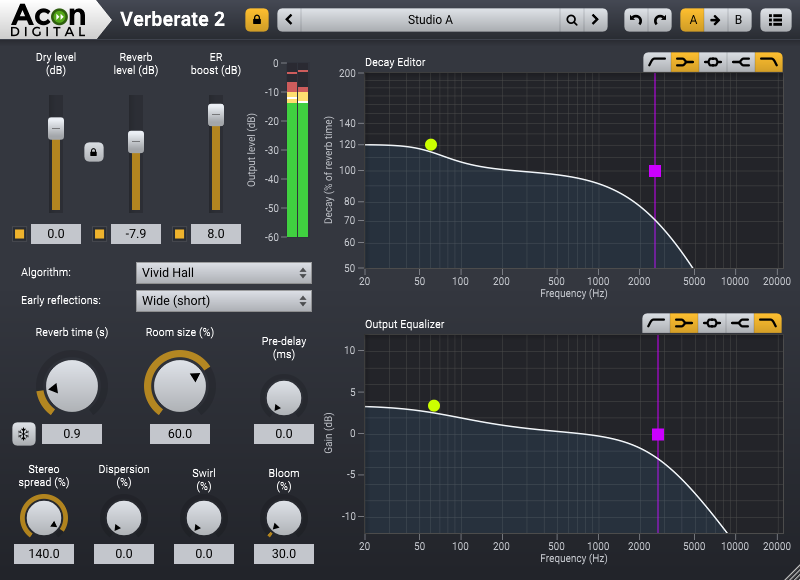
When it comes to reverb, it’s all about the sound quality. Verberate is an algorithmic reverb plug-in that simulates real acoustical surroundings with exceptional realism. Verberate introduces the Vivid Hall algorithm that adds time variance to avoid the stiffness that plagues convolution based reverbs while preserving the natural high density reverb tails.
Real acoustical surroundings will have slight variations due to air currents, moving performers or movements in the audience. While these variations may seem subtle, the effect towards the end of the reverb tail is significant, since the sound is reflected a large number of times before the reverb tail fades out. The new Vivid Hall algorithm models these random variations without artifacts like chorus effects or pitch changes, and is therefore capable of simulating reverberation of real halls with a higher degree of realism.
Verberate 2 also better simulates mechanical plate reverbs. High frequencies travel faster in metal plates than low frequencies, and this effect is called frequency dispersion. Verberate 2 has a Dispersion parameter which allows for highly realistic plate reverb simulations when combined with the decay editor to simulate the longer high frequency decay of plate reverbs. A new Swirl parameter makes it possible to simulate the feedback modulation effect found in many vintage digital reverb units.
The 15 early reflection patterns offered are algorithmic, calculated in real time and applied using convolution. A dense and resonance free late reverb tail follows the early reflections, resulting in extremely convincing room simulations with impressive depth combined with the flexibility algorithmic reverbs are known for.
A large catalog of beautiful factory presets is delivered with Verberate 2 and a clear and to-the-point graphical user interface simplifies the search for a specific reverb quality.
Highlights:
-
Highly realistic simulation of real acoustical spaces and mechanical plates
-
The new time variant Vivid Hall algorithm goes beyond convolution
-
Powerful decay editor allows frequency dependent reverb times
-
Versatile integrated output equalizer
DeFilter
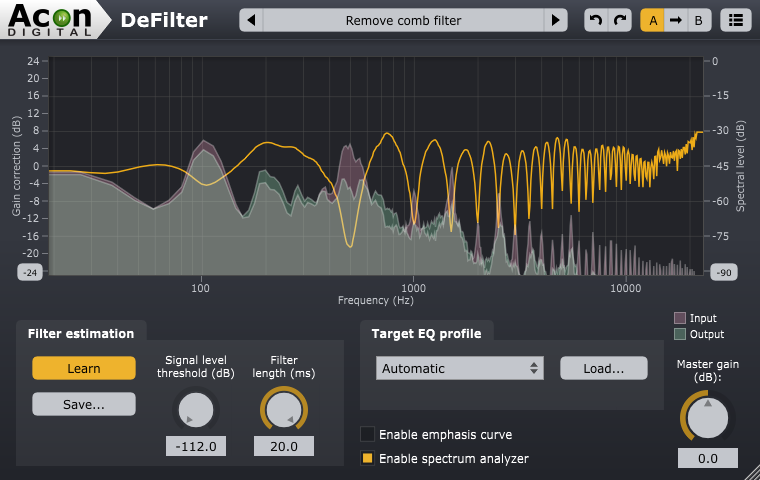
DeFilter is an efficient tool to even out tonal imbalances in a recording or reduce resonant peaks or dips in the frequency spectrum. Even severe issues such as comb filter effects or standing waves from untreated rooms can be addressed. DeFilter can match recordings to target profiles such as music or speech, or alternatively extract the overall timbre from the source – the large strokes – while evening out narrow peaks and dips. The latter removes resonances and comb filter effects effectively while preserving the tonal character of the input signal. Recordings can also be equalized to match a reference recording.
Great care has been taken to provide a user interface that is straightforward to use. Frequency dependent correction levels can be defined using custom curves, so that DeFilter can focus on problematic frequency ranges while leaving other frequency regions untouched. Realtime spectrum analyzers for both the input and output signals visualize the effect on the frequency spectrum.
Use Cases:
-
Fix issues in a mix prior to mastering
-
Reduce resonances caused by untreated room acoustics
-
Matched equalization (automatic equalization based on a reference signal)
-
Improve clarity and intelligibility of speech
-
Instant fix for nasty comb filter effects
Dialogue Plug-ins (AI-based)
The new AI-based Dialogue Plug-Ins distinguish speech from background noise efficiently and to reduce or completely remove the respective background noise as desired, thanks to a preceding training.
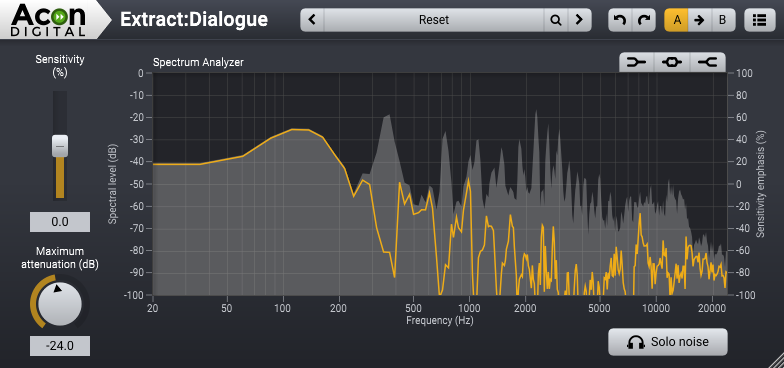
The algorithm works in real time and is based on deep learning. It has been trained on thousands of high-quality voice recordings and an equally extensive set of common noise sources. The extensive training enables the artificial intelligence to automatically distinguish dialogue from noise without user interaction. This makes the Dialogue Plug-Ins extremely easy to use
Even though the noise reduction is fully automatic, the plug-in interface does offer simple controls to adjust the sensitivity of the noise detection and the maximum noise attenuation. The sensitivity can even be adjusted independently in up to three frequency bands. The maximum attenuation control is very handy when you only want to reduce the noise without removing it completely. All the parameters are fully automatable as you would expect.
Extract:Dialogue
Automatically reduces speech from typical background noises such as wind, rustling, traffic, hum, clicks and pops.
In complex recording situations, the results can be further optimized if the type of interference can be narrowed down before it is removed. The following filters are available for this purpose:
DeWind:Dialogue
Automatically reduces wind noise in speech recordings
DeRustle:Dialogue
Automatically reduces clothing rustle and microphone rumble in lavalier microphone recordings.
DeBuzz:Dialogue
Automatically reduces buzzing and humming from neon lights, mains hum and radio links in speech recordings










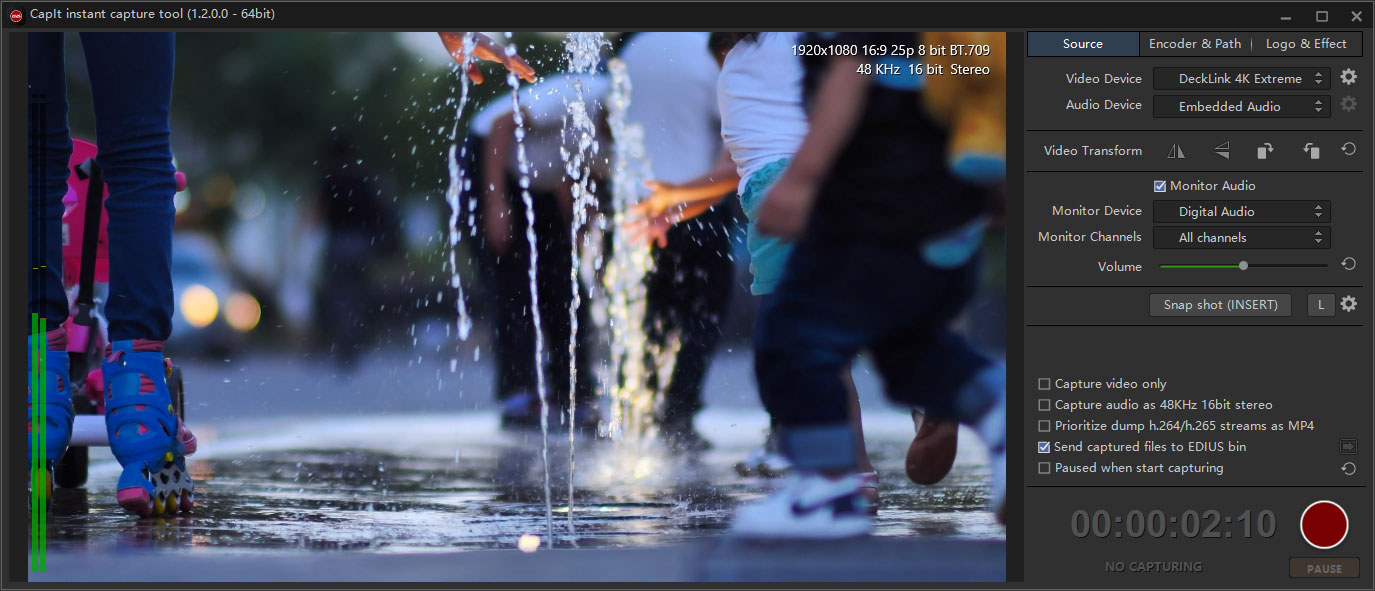
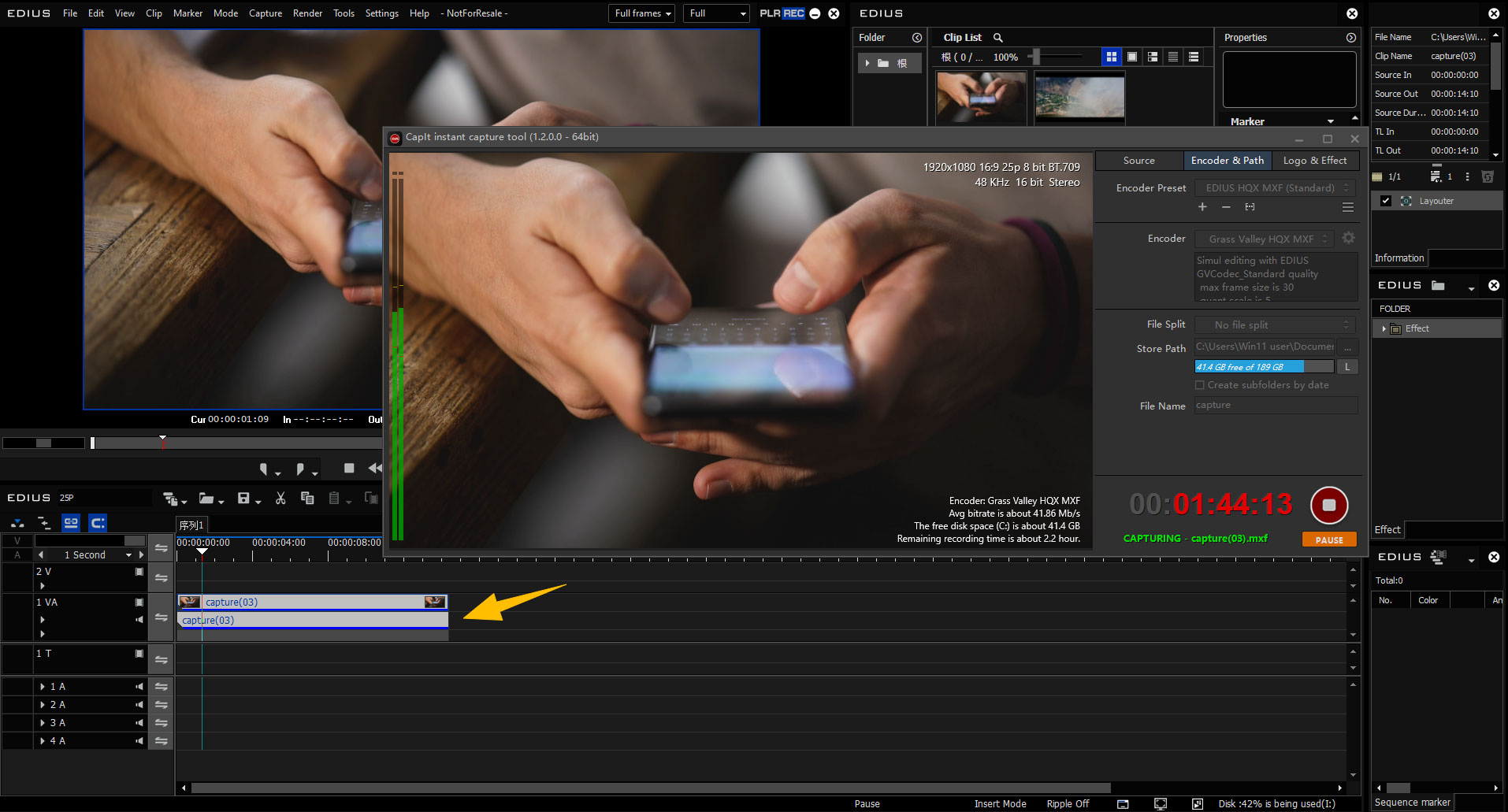 Tip: EDIUS Workgroup (versions 9, X, and 11) as well as EDIUS 11 Broadcast support editing while capturing. EDIUS Pro versions do not include this feature - editing begins once the recording has been completed.